PoPi
A downloadable tool for Windows
a pixel art post-processor with a block-based pipeline editor. load a sprite or GIF, stack effects, watch it update live.
what it is
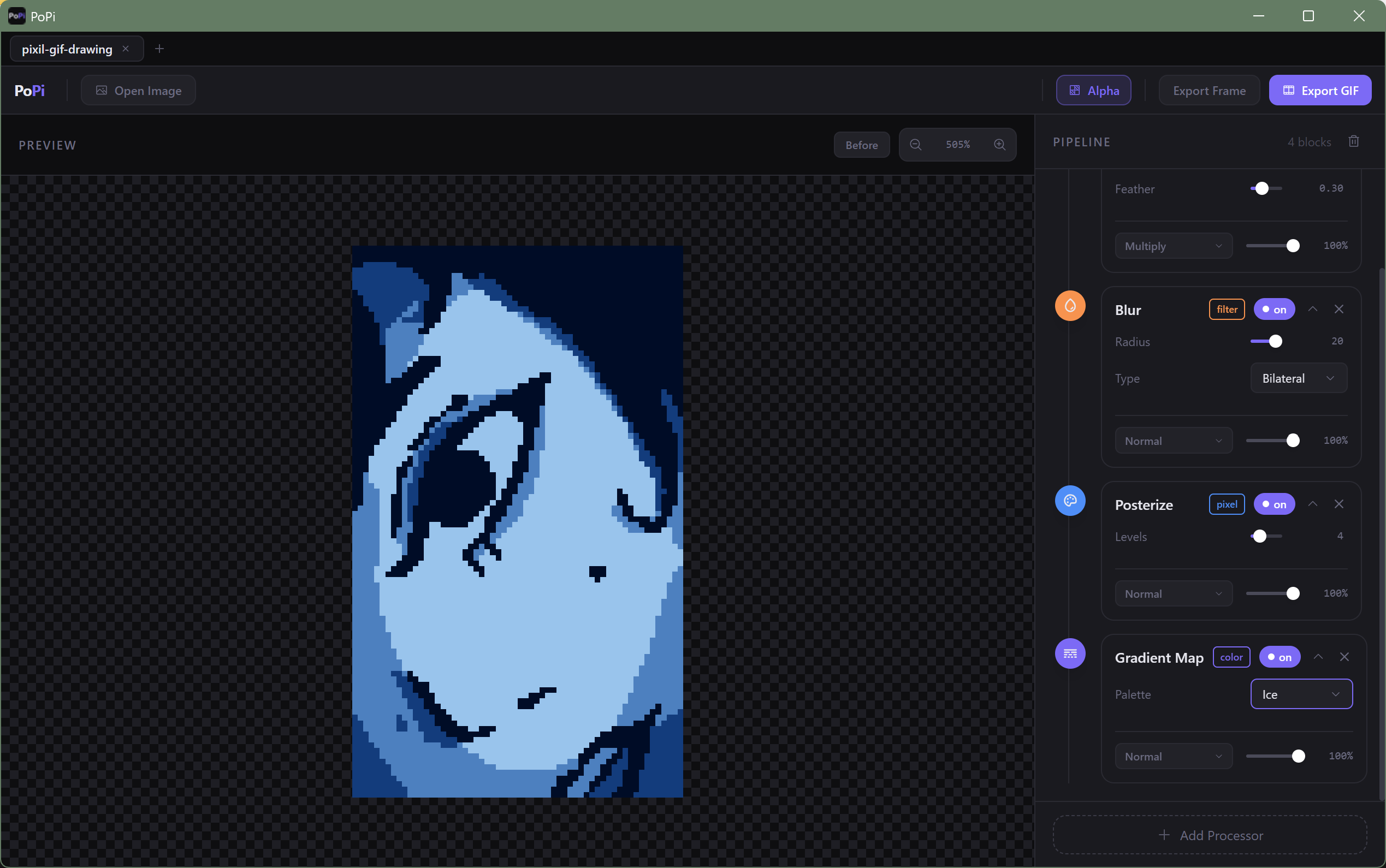
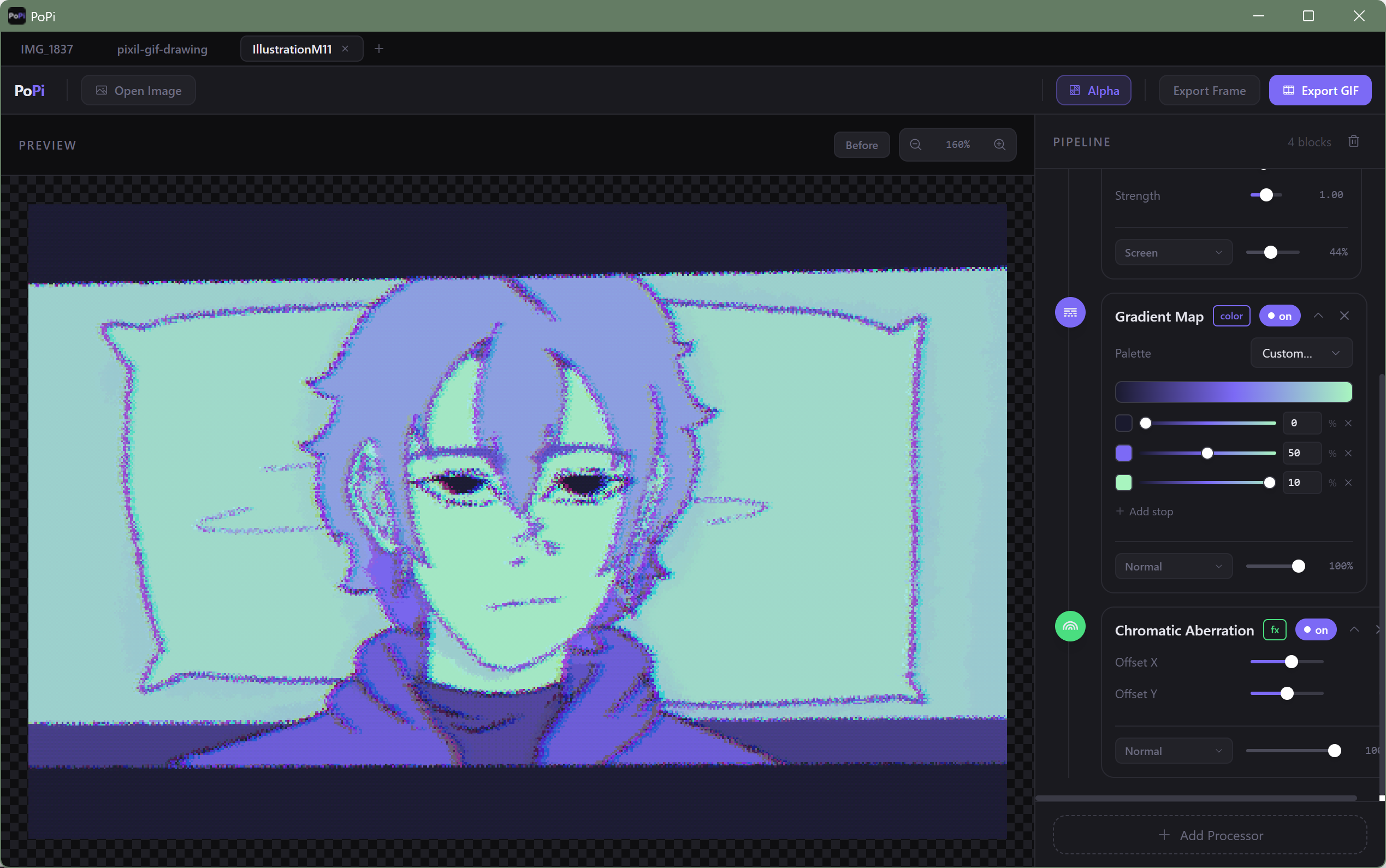
PoPi is a native desktop tool for people who want to push their pixel art further without leaving it in a full image editor for every little tweak. you build up a pipeline of effects by stacking processor blocks in order, each one sitting on top of the last. drag to reorder. toggle on and off. collapse what you're not using.
the thing that makes it feel good to use is the blend mode system. each block runs its effect and then composites it back using its own blend mode and opacity, the same way layers work in Photoshop. so you can stack a posterize into a dither into a chromatic aberration at screen blend and watch the whole thing update every time you touch a slider.
effects (23 total)
pixel
posterize, pixelate, color quantize, dither (bayer or floyd-steinberg)
color
gradient map (8 presets + custom gradient editor), hue shift, saturation, brightness/contrast, color balance, invert, threshold
filters
blur (gaussian, box, bilateral), sharpen, emboss, edge detect (canny, sobel, laplacian), outline, motion blur
fx
noise (gaussian, salt and pepper, perlin), scanlines, chromatic aberration, vignette, halftone, pixel scatter
GIF support
drop in a GIF and the pipeline runs frame by frame. the canvas preview animates live. export it straight back out.
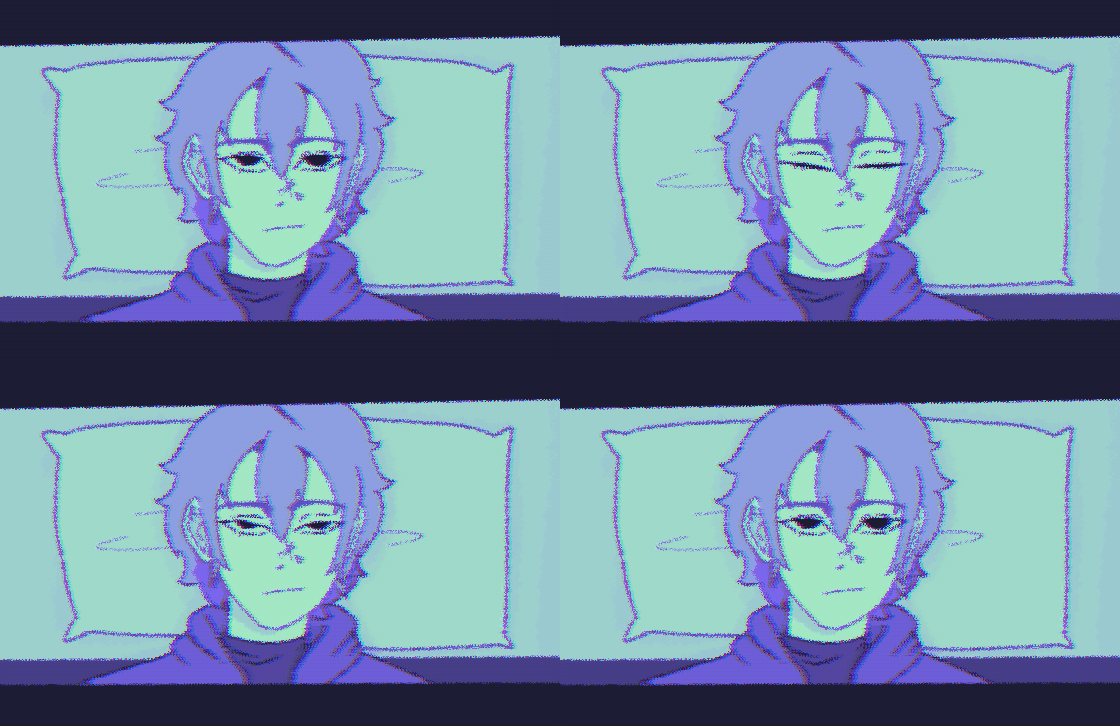
you can also generate new GIFs from a still image. param sweep animates one parameter across a range you set. noise animate does a random walk across all parameters over however many frames you want.
custom gradient maps
the gradient map block has 8 built-in palettes. if you want something specific, switch to custom and build it from scratch. add stops, move them around, pick any color. the preview bar updates as you work.
everything else
- tabs so you can work on multiple images at once, sessions save automatically and come back when you reopen the app
- alpha preservation toggle for sprites that use transparency
- 13 blend modes and opacity control on every single block
- click any slider value to type an exact number in
- hold Before to compare against the original at any point
- always pixel-perfect rendering at every zoom level, no blurring ever
running it
windows only for now. download, unzip, run PoPi.exe. no install.
Purchase
In order to download this tool you must purchase it at or above the minimum price of $1.50 USD. You will get access to the following files:

Leave a comment
Log in with itch.io to leave a comment.